UVLM v4.0.0 — Gemma 4, the Transformers 5 Migration, and Why This One Is a Major Version
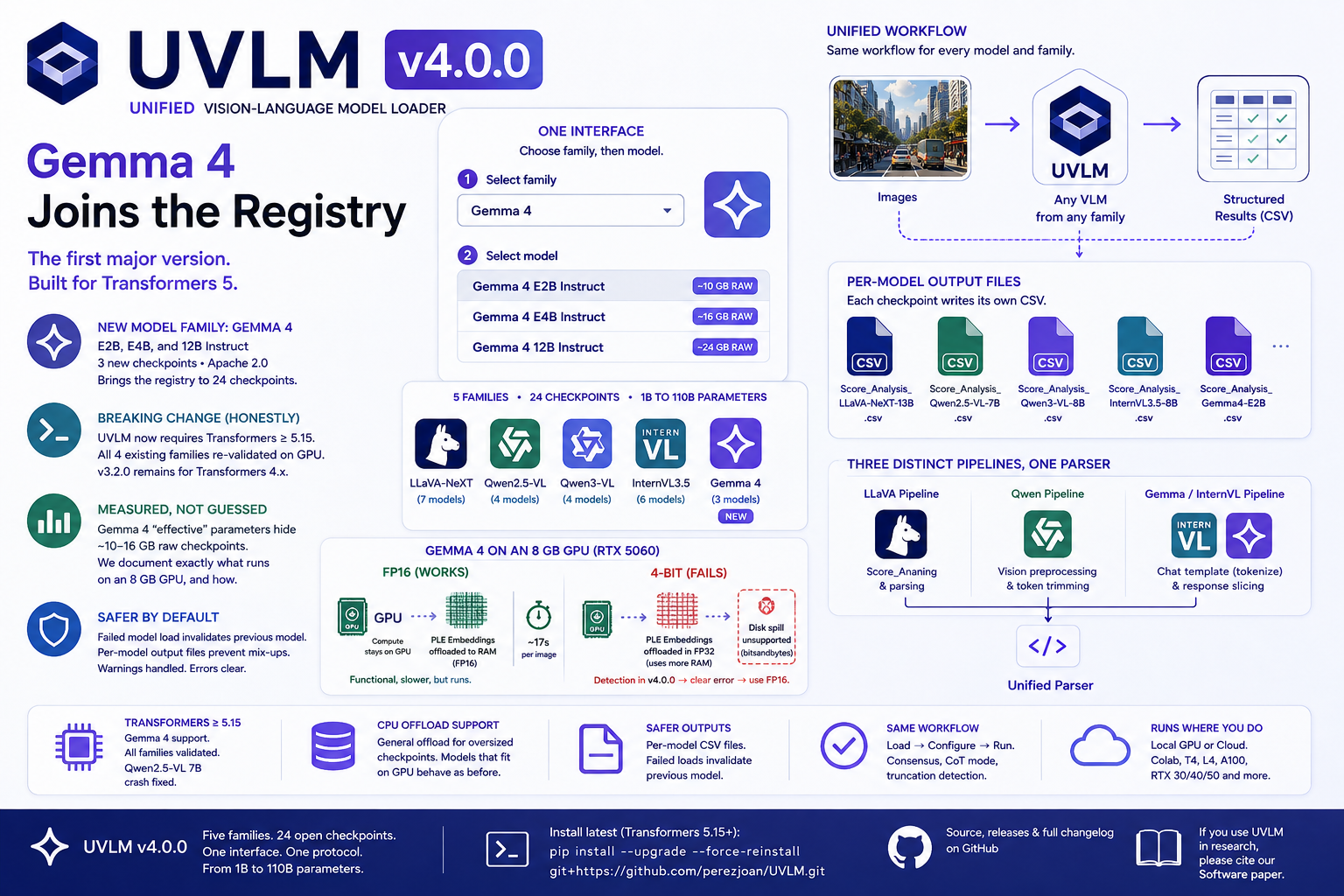
Highlights New model family: Gemma 4 (Google [...]

Highlights New model family: Gemma 4 (Google [...]
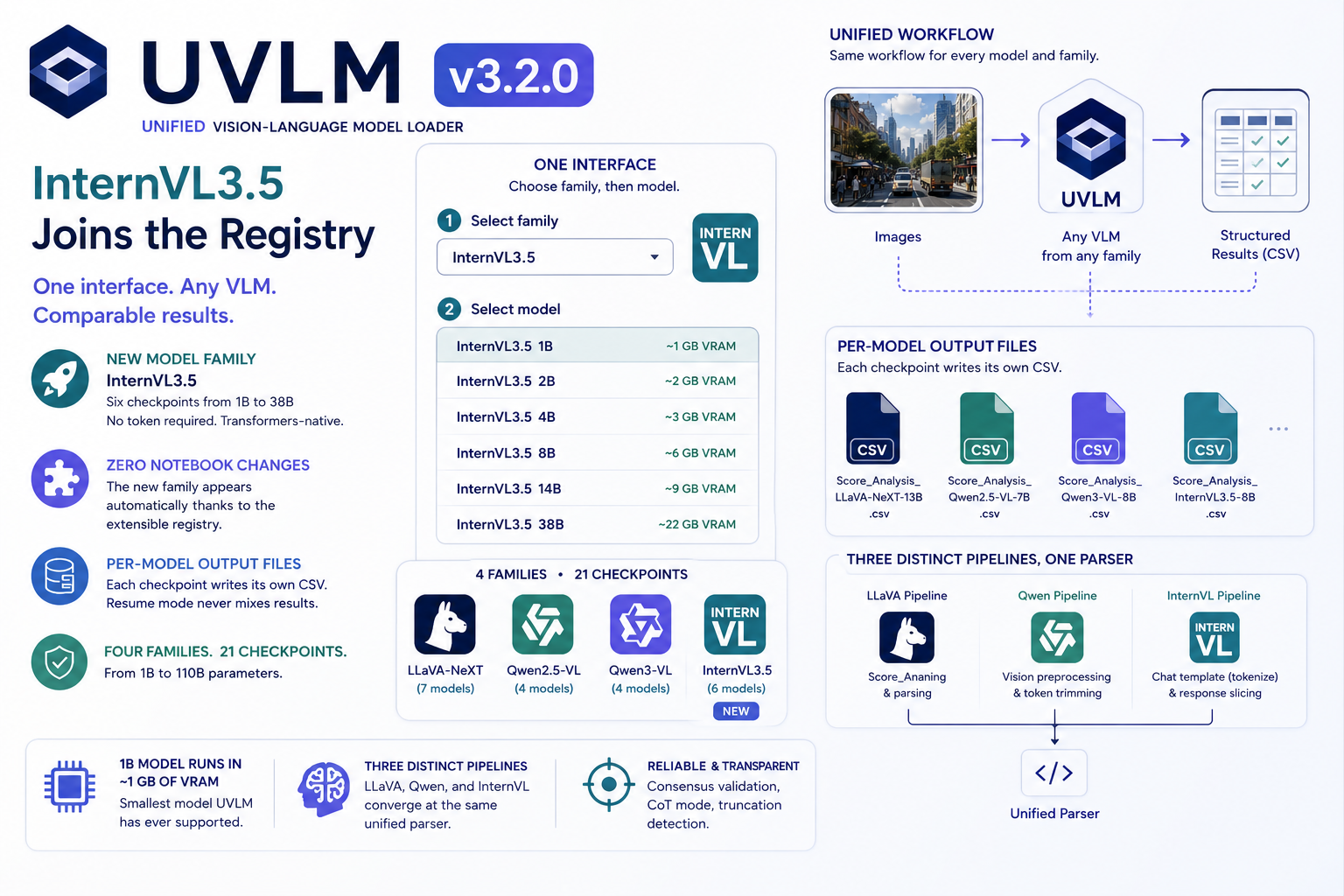
UVLM v3.2.0 adds InternVL3.5 (1B–38B, six checkpoints): 21 open VLM checkpoints across 4 families, one Python interface. The new family appeared in the notebooks without a single notebook edit — plus per-model output files for cleaner benchmarking.
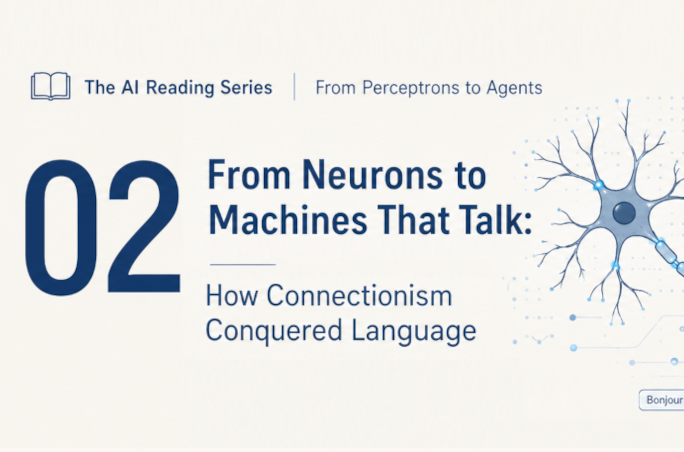
Part 2 of the AI reading series. The previous post ended with AlexNet's 2012 earthquake in image recognition. This one tells the road to language: how researchers turned words into vectors, taught networks to read sequences, discovered attention — and why, in 2017, eight Google researchers decided attention was all you need.
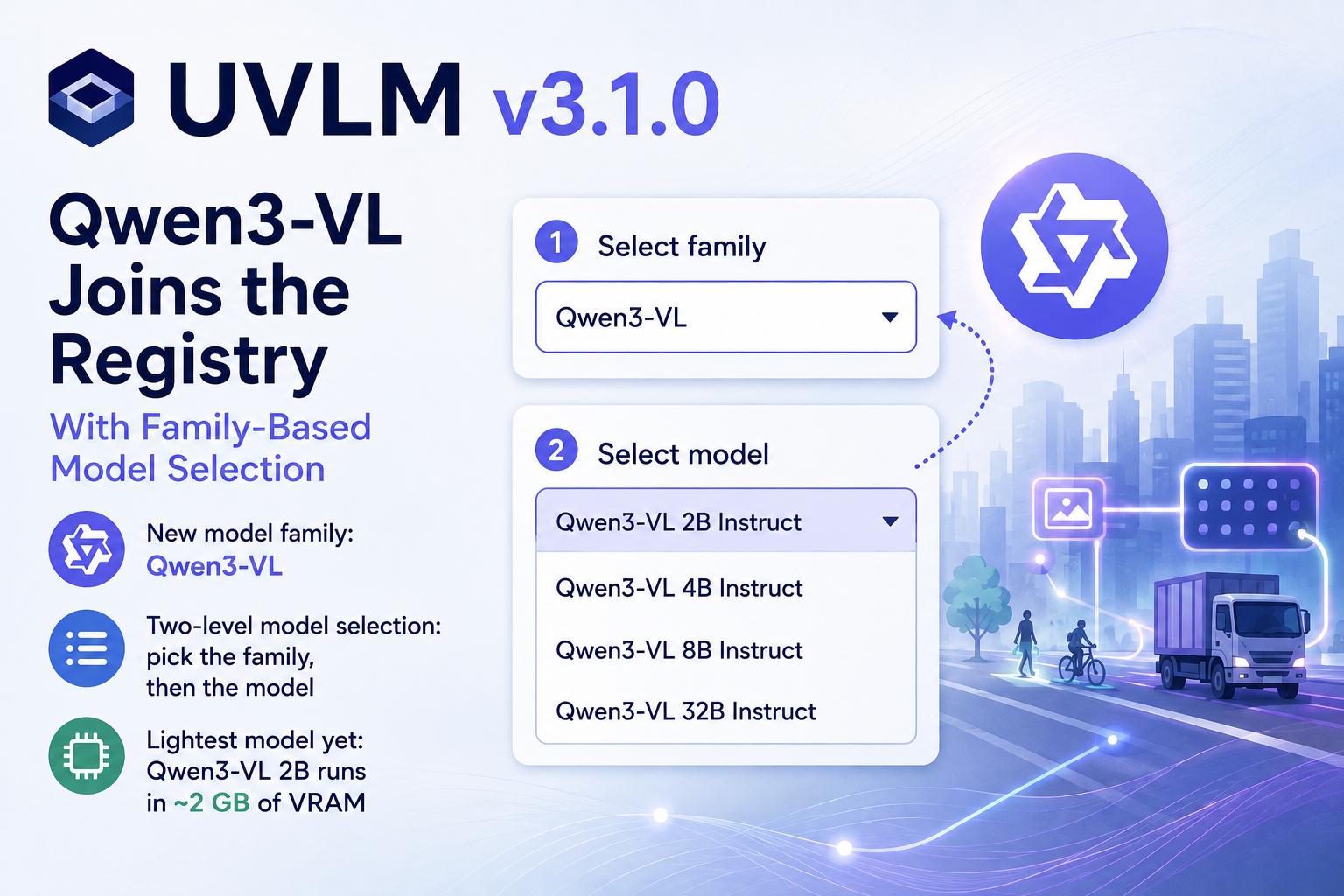
UVLM v3.1.0 adds a third model family, Qwen3-VL (2B–32B Instruct), bringing the registry to 15 checkpoints. The notebooks gain a two-level family/model selector, the loader picks BF16 automatically on capable GPUs, and the smallest new model runs in about 2 GB of VRAM. Same three-block workflow, same prompts, one more family to compare.
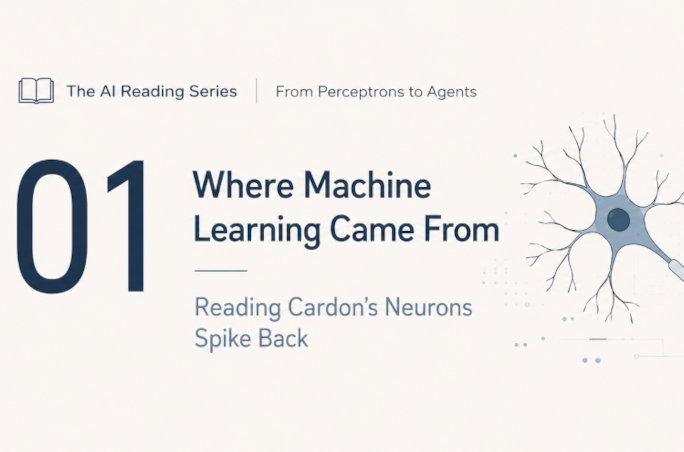
The first in a reading series taking you from the artificial neuron of 1943 to today's transformers, mixture-of-experts models and agents. Lecture 1 is a preparatory guide to Cardon, Cointet and Mazières' sociological history of AI, with reading strategy and glossary.
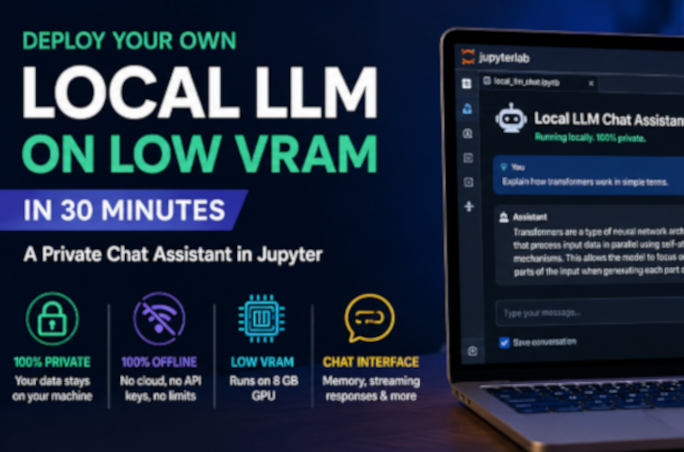
Run a capable large language model entirely on your own machine — private, offline, and with as little as 8 GB of GPU memory. This hands-on guide sets up a clean Python environment, gets CUDA working even on the newest NVIDIA Blackwell cards, loads a 4-bit quantized model from Hugging Face, and builds an interactive chat widget with conversation memory and a live VRAM gauge in JupyterLab. No cloud, no API keys, no data leaving your computer.
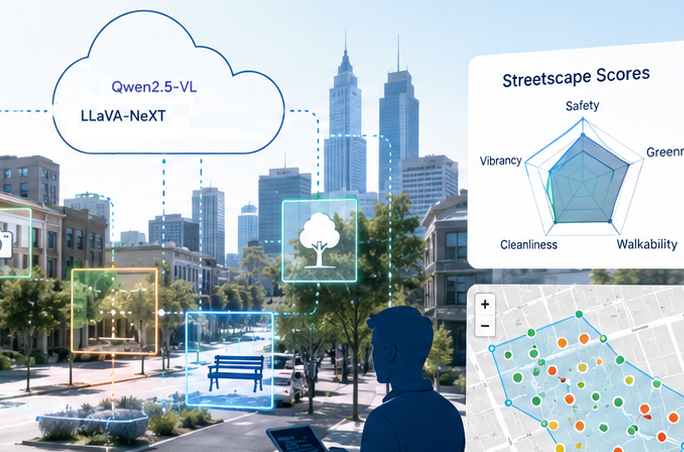
SAGAI v2.0 consolidates the full streetscape analysis pipeline into a single Google Colab notebook and replaces the inline LLaVA-only inference code with the UVLM package, enabling multi-model benchmarking across 11 VLM checkpoints. New features include a multi-task prompt builder, consensus validation with majority voting, chain-of-thought reasoning, truncation detection, interactive Folium maps, view-direction filtering, and support for loading existing polygons as study area boundaries.
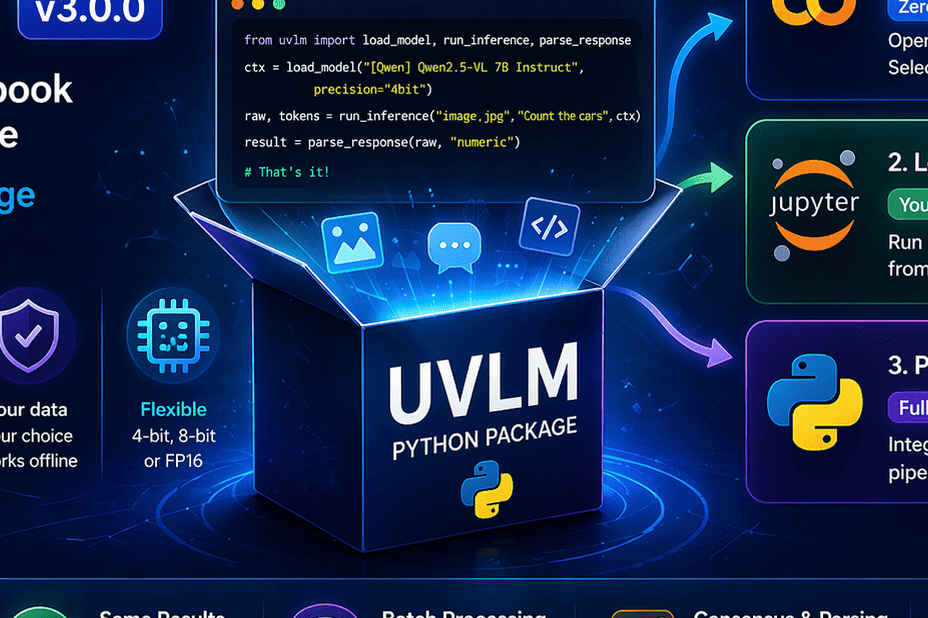
UVLM v3.0.0 turns a Colab notebook into a full Python package. Run vision-language models locally, in notebooks, or scripts with a simple API and no setup complexity.
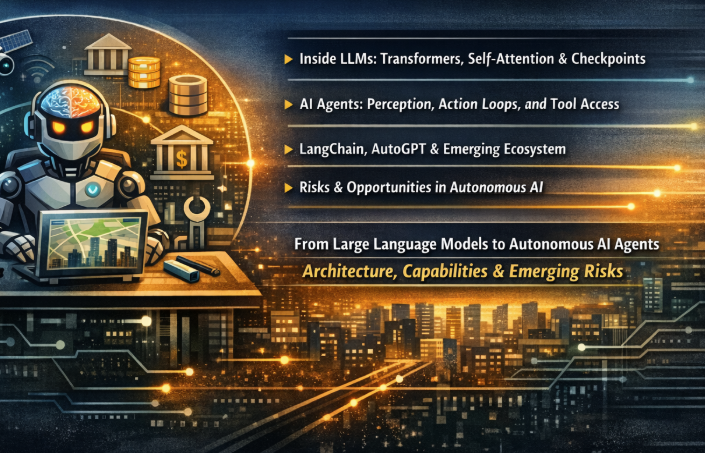
Large Language Models are stateless, single-pass prediction engines — powerful but passive. Wrapping them in a perception–action loop with environment access and tool use transforms them into something qualitatively different: autonomous AI agents. This post walks through the transformer architecture, explains how the agent paradigm introduces closed-loop reasoning over environments and tasks, surveys the growing toolkit ecosystem, and examines the emerging risk landscape.
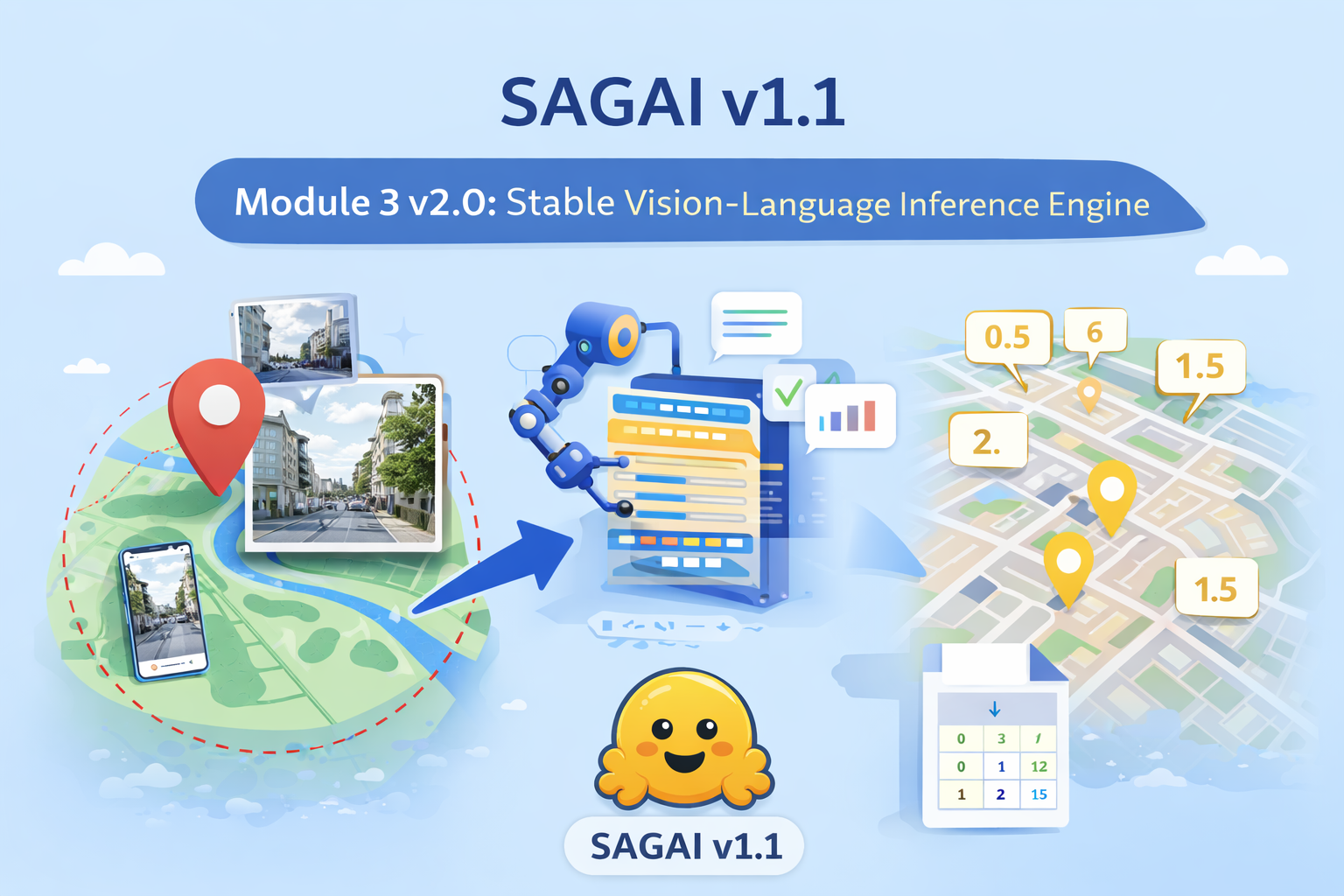
SAGAI v1.1 introduces Module 3 v2.0, a stable and reproducible vision–language inference engine for streetscape analysis. Built exclusively on Hugging Face LLaVA models, it enables robust multimodal processing of street-level images for large-scale urban and geospatial analysis.