Anaconda

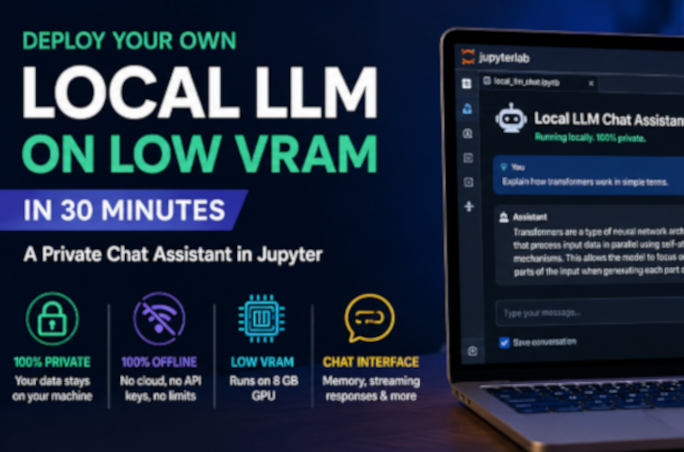
Deploy Your Own Local LLM on Low VRAM in 30 Minutes — A Private Chat Assistant in Jupyter

Run a capable large language model entirely on your own machine — private, offline, and with as little as 8 GB of GPU memory. This hands-on guide sets up a clean Python environment, gets CUDA working even on the newest NVIDIA Blackwell cards, loads a 4-bit quantized model from Hugging Face, and builds an interactive chat widget with conversation memory and a live VRAM gauge in JupyterLab. No cloud, no API keys, no data leaving your computer.
2026-06-02T12:31:12+00:00June 2, 2026|Categories: Advanced, Python|Tags: , , , , , |Comments Off on Deploy Your Own Local LLM on Low VRAM in 30 Minutes — A Private Chat Assistant in Jupyter

Controlling QGIS with Python using the Jupyter Notebook

Have you ever wondered about controlling QGIS with a Python script ? In this blog post, we'll explore how to call QGIS from a Python script in the Jupyter Notebook.

2025-11-07T10:24:04+00:00April 23, 2024|Categories: GIS, Intermediate, Python|Tags: , , , , |0 Comments

Getting Started with Python using Anaconda and Jupyter Notebook

In this guide you'll find clear instructions on setting up Python with Anaconda for spatial analysis. Then, we'll cover installing Python alongside Anaconda and adding essential dependencies like GeoPandas via the Anaconda Prompt. Lastly, we'll explore using the Jupyter Notebook for practical application.