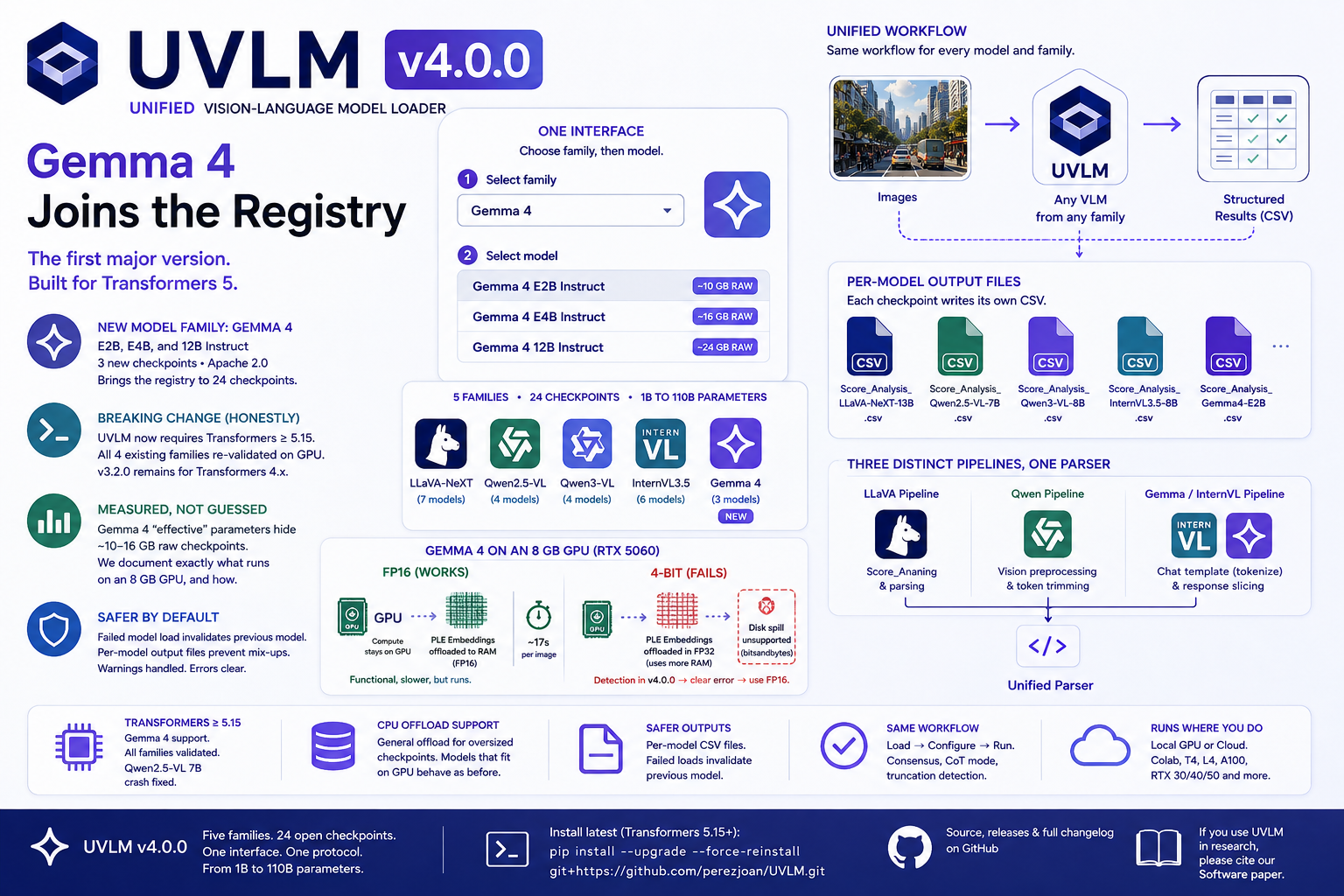
UVLM v4.0.0 — Gemma 4, the Transformers 5 Migration, and Why This One Is a Major Version
Highlights New model family: Gemma 4 (Google [...]

Highlights New model family: Gemma 4 (Google [...]
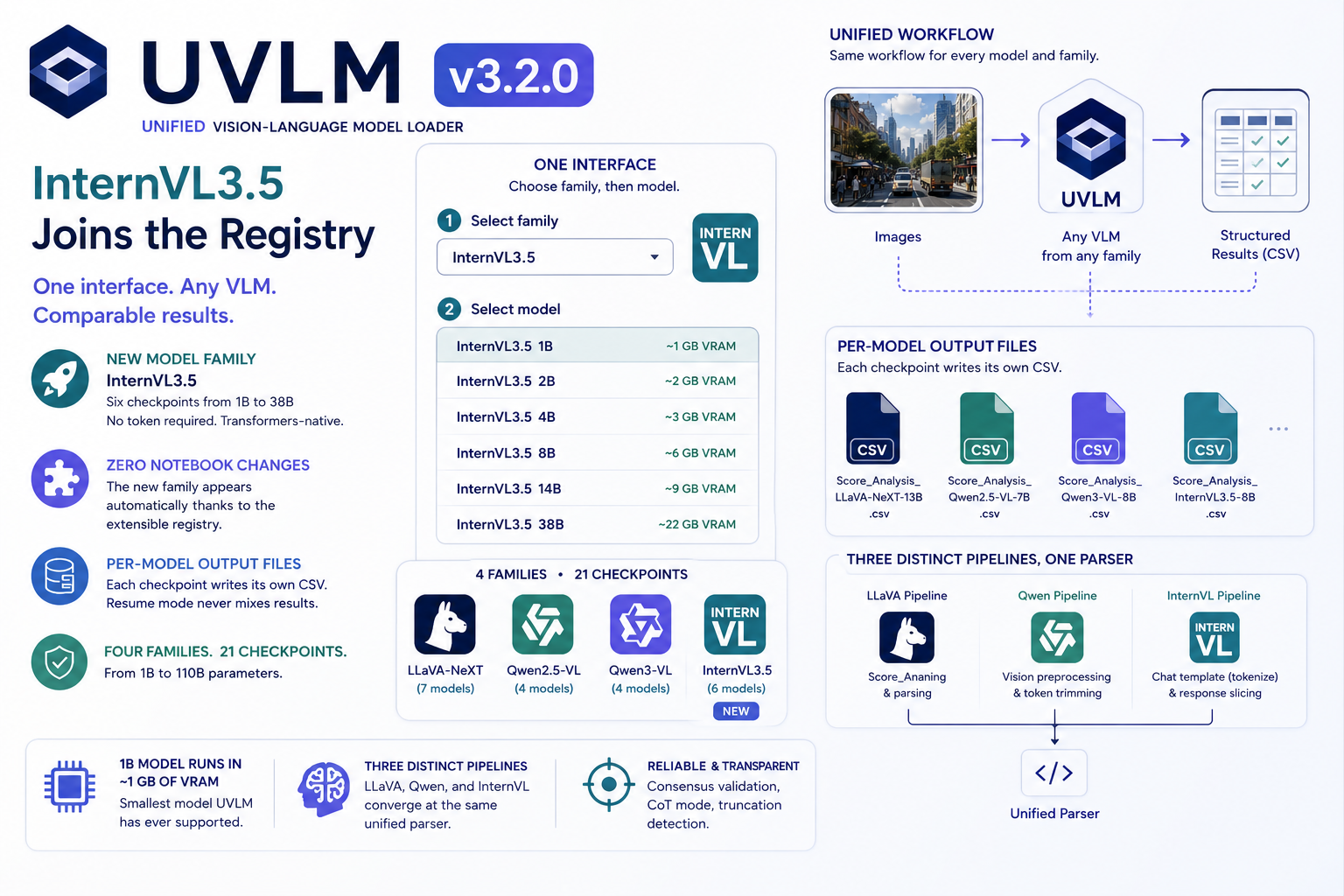
UVLM v3.2.0 adds InternVL3.5 (1B–38B, six checkpoints): 21 open VLM checkpoints across 4 families, one Python interface. The new family appeared in the notebooks without a single notebook edit — plus per-model output files for cleaner benchmarking.
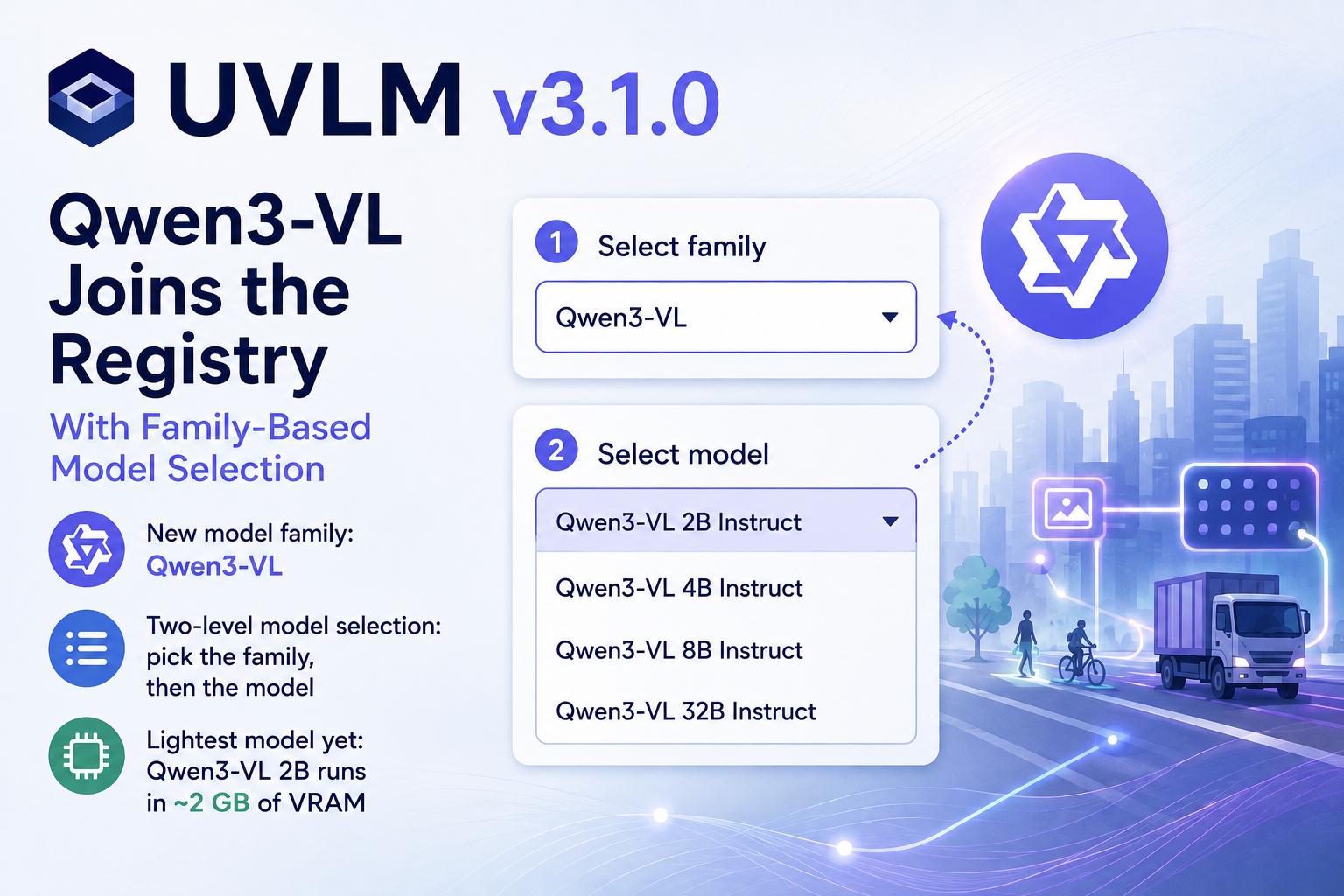
UVLM v3.1.0 adds a third model family, Qwen3-VL (2B–32B Instruct), bringing the registry to 15 checkpoints. The notebooks gain a two-level family/model selector, the loader picks BF16 automatically on capable GPUs, and the smallest new model runs in about 2 GB of VRAM. Same three-block workflow, same prompts, one more family to compare.
Run a capable large language model entirely on your own machine — private, offline, and with as little as 8 GB of GPU memory. This hands-on guide sets up a clean Python environment, gets CUDA working even on the newest NVIDIA Blackwell cards, loads a 4-bit quantized model from Hugging Face, and builds an interactive chat widget with conversation memory and a live VRAM gauge in JupyterLab. No cloud, no API keys, no data leaving your computer.
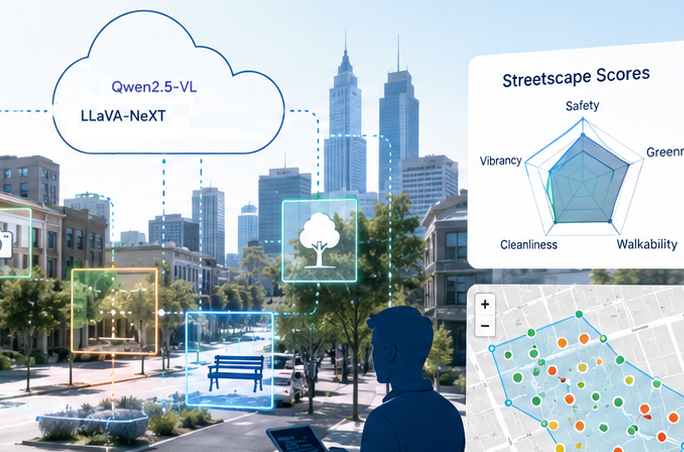
SAGAI v2.0 consolidates the full streetscape analysis pipeline into a single Google Colab notebook and replaces the inline LLaVA-only inference code with the UVLM package, enabling multi-model benchmarking across 11 VLM checkpoints. New features include a multi-task prompt builder, consensus validation with majority voting, chain-of-thought reasoning, truncation detection, interactive Folium maps, view-direction filtering, and support for loading existing polygons as study area boundaries.
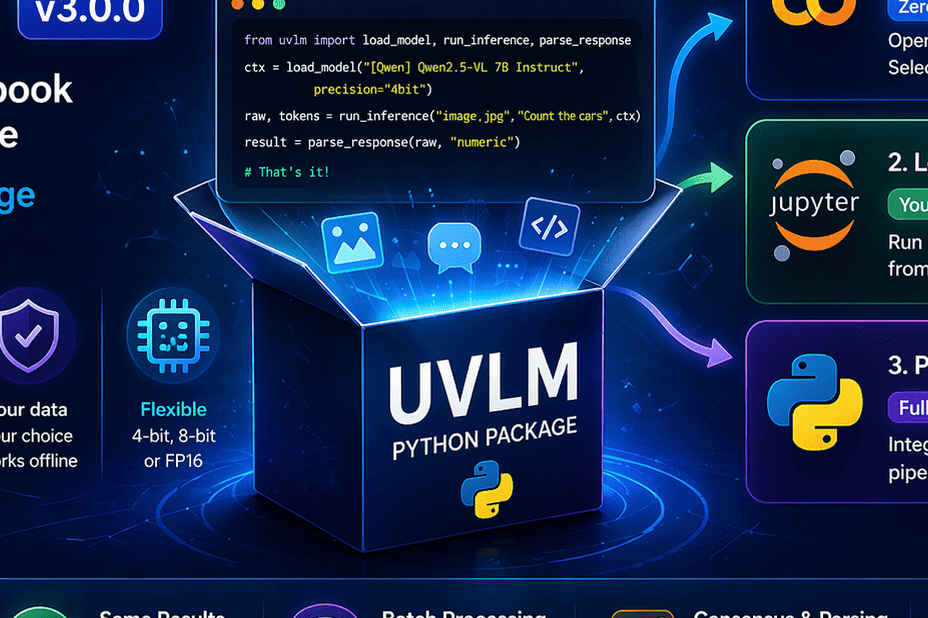
UVLM v3.0.0 turns a Colab notebook into a full Python package. Run vision-language models locally, in notebooks, or scripts with a simple API and no setup complexity.
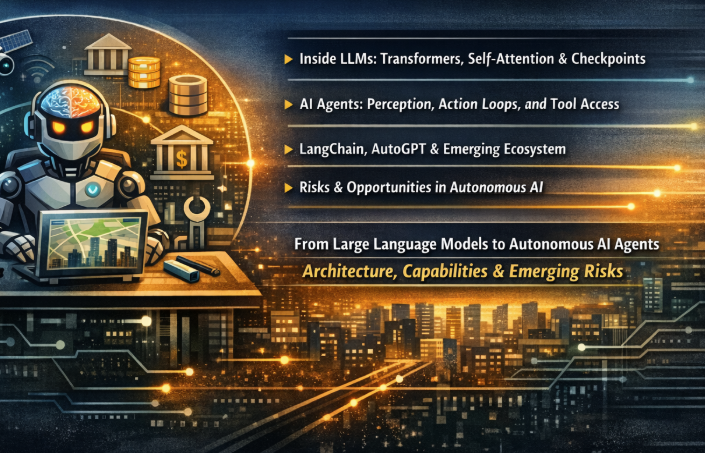
Large Language Models are stateless, single-pass prediction engines — powerful but passive. Wrapping them in a perception–action loop with environment access and tool use transforms them into something qualitatively different: autonomous AI agents. This post walks through the transformer architecture, explains how the agent paradigm introduces closed-loop reasoning over environments and tasks, surveys the growing toolkit ecosystem, and examines the emerging risk landscape.
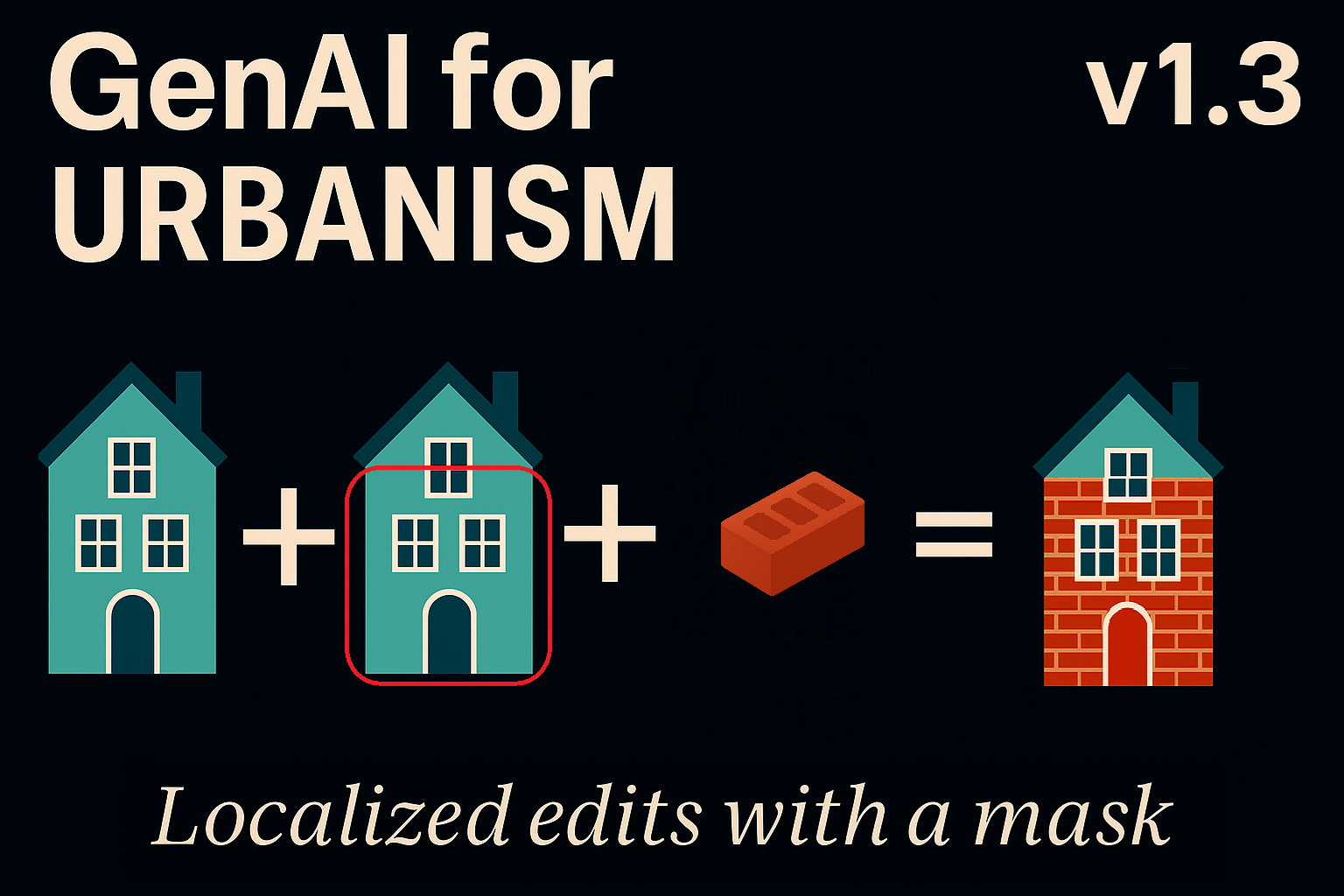
Version 1.3 of Qwen Image Edit for Urbanism introduces mask-controlled editing in ComfyUI, enabling precise, localized image transformations using prompts or reference images. The new Grow Mask utility softens boundaries, preserves unmasked areas, and integrates seamlessly with existing single-image and sequential workflows.
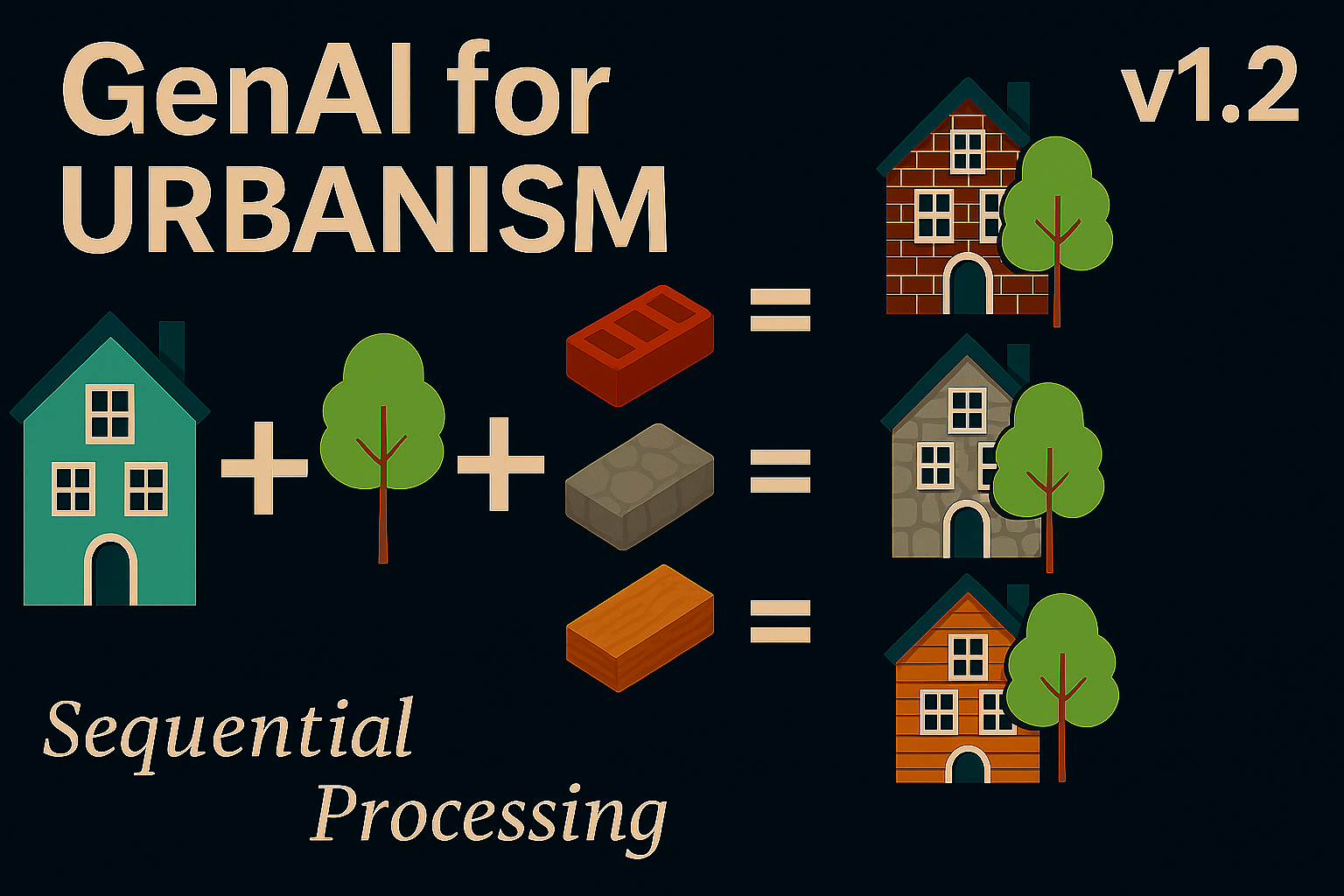
ComfyUI Sequential Image Editing for Urbanism arrives in Qwen v1.2 with custom Python nodes, multi-image batch processing, and a six-slot buffer for reproducible urban edits. This version streamlines automated workflows for researchers, designers, and architects working with street and neighborhood imagery.
Qwen Image Edit for Urbanism v1.1 expands local AI editing in ComfyUI with advanced sampling and dual-image workflows. The new Lightning LoRA system improves realism, texture fidelity, and processing speed, enabling fast, privacy-preserving urban scene transformation—entirely offline.