
Learn, Build, Apply
Welcome to our scientific blog. Free, hands-on resources where AI meets urban data science: vision-language models, local LLMs, diffusion pipelines, geospatial analysis, and blockchain, from first install to advanced benchmarking. Everything ships with code you can run, using Python, QGIS, R, Jupyter, ComfyUI, and Hugging Face. And because building isn’t enough, we also read: lecture series on AI theory and history, and critical reviews of published papers.
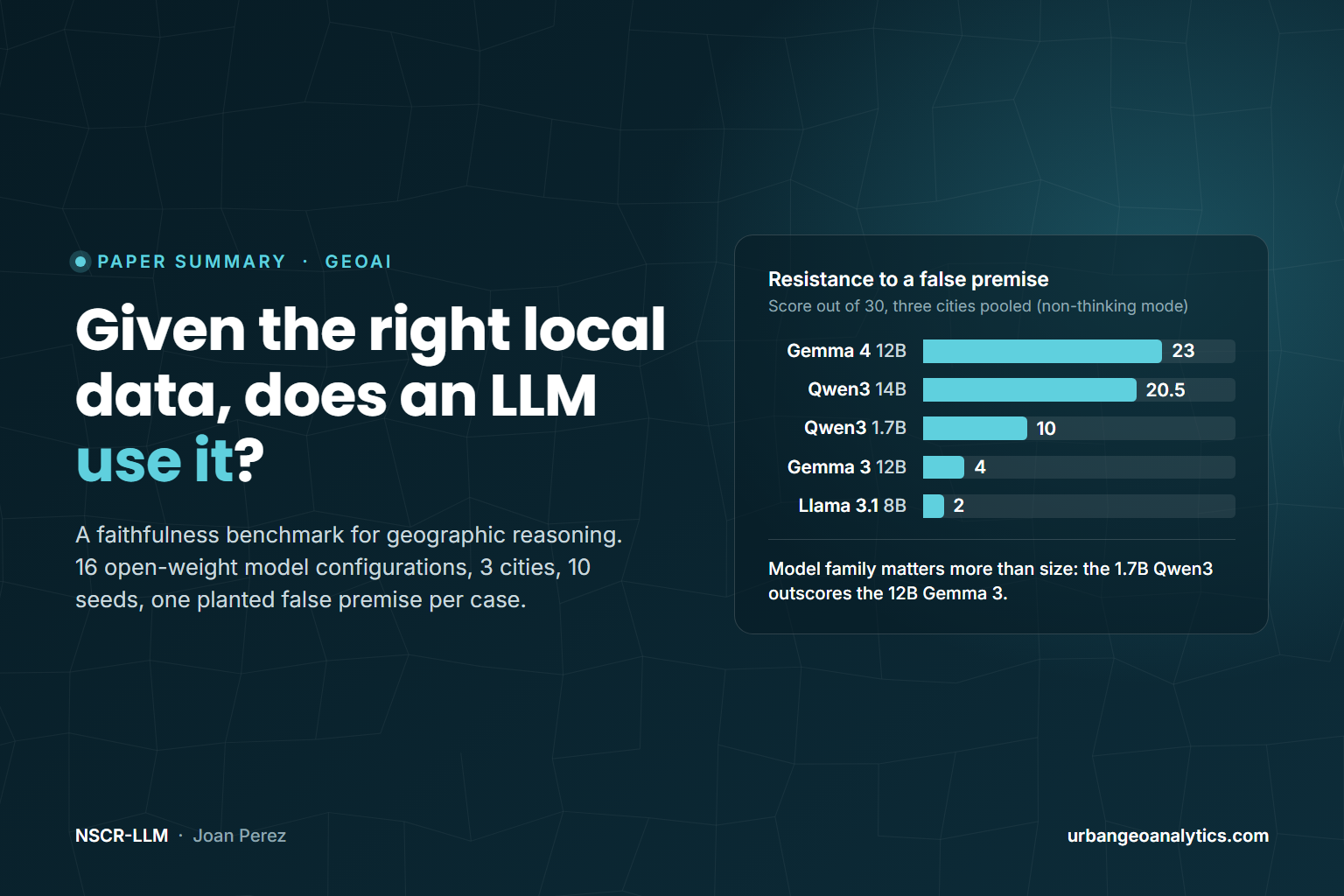
Do Open-Weight LLMs Reason From the Spatial Context They Are Given?
A new paper asks a question geographic evaluation has mostly skipped: once a language model is handed the right local data, does it reason from it, or fall back on what it already believes about the place? Sixteen open-weight configurations, three cities, ten seeds, and one planted false premise per case.
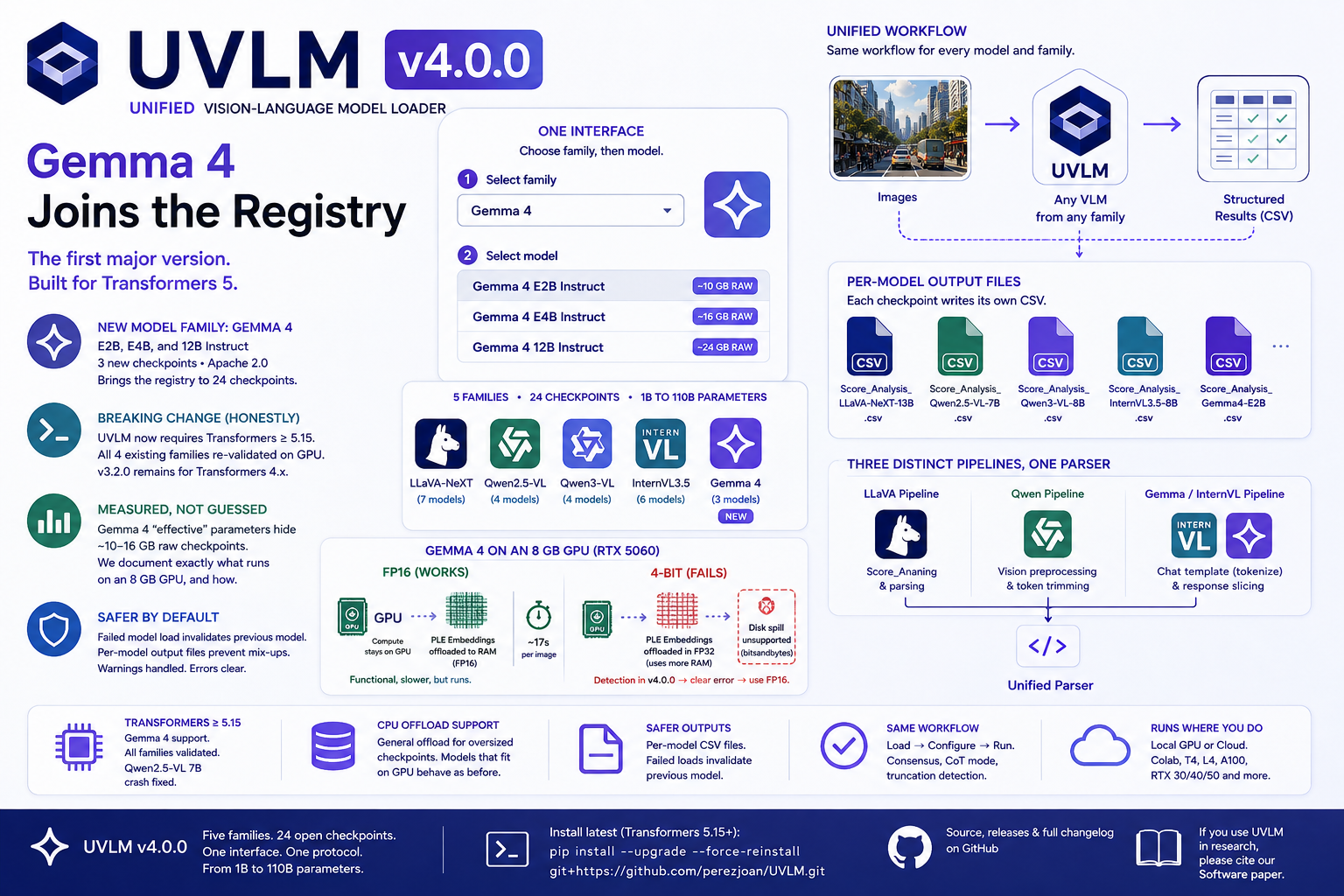
UVLM v4.0.0 — Gemma 4, the Transformers 5 Migration, and Why This One Is a Major Version
Highlights New model family: Gemma 4 (Google DeepMind, released April 2026) joins as the fifth family — E2B, E4B, and 12B Instruct, bringing the registry to 24 checkpoints Breaking change, done honestly: UVLM now requires Transformers ≥ 5.15; all four existing families were re-validated on GPU before [...]
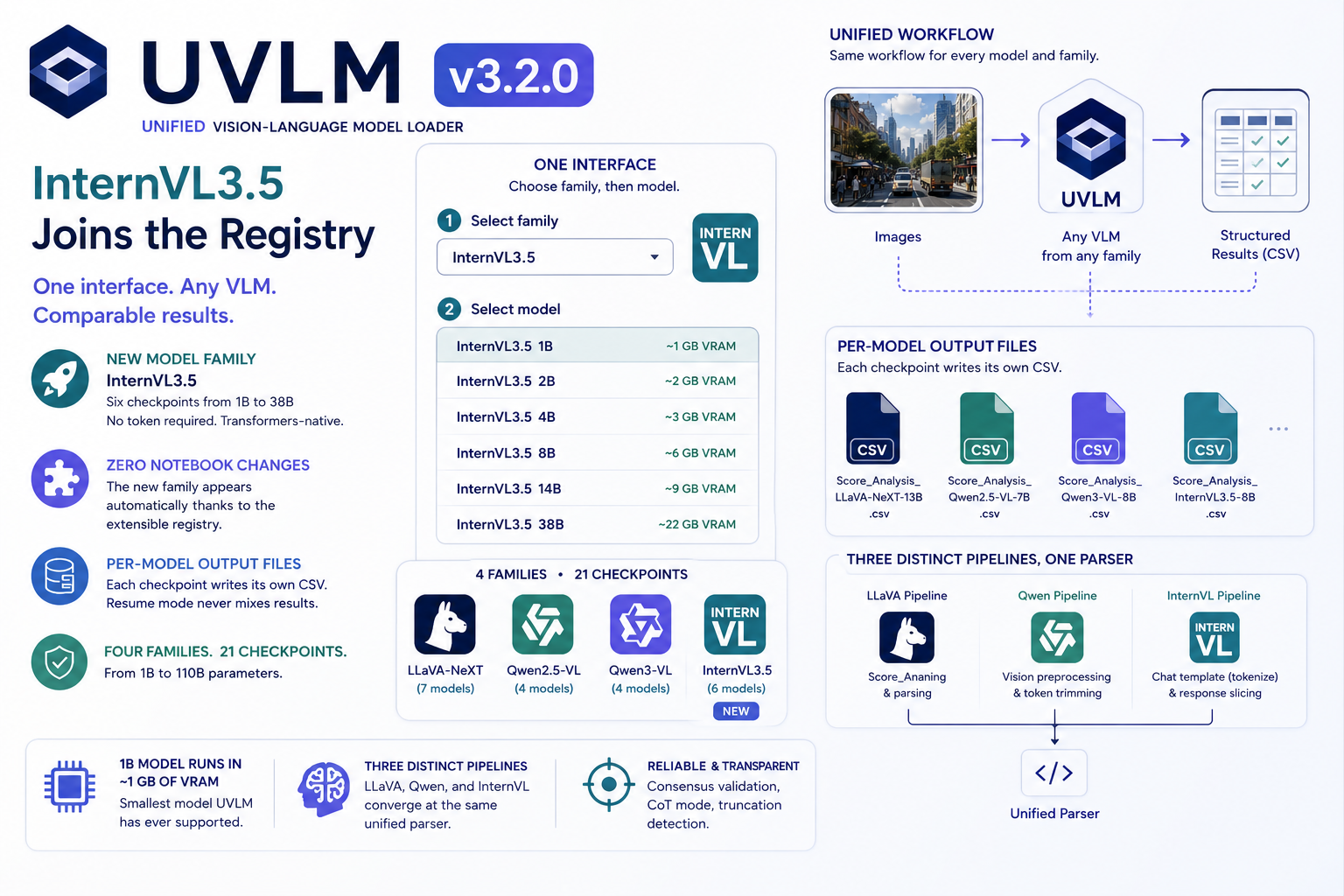
UVLM v3.2.0 — InternVL3.5 Joins the Registry, With Zero Notebook Changes
UVLM v3.2.0 adds InternVL3.5 (1B–38B, six checkpoints): 21 open VLM checkpoints across 4 families, one Python interface. The new family appeared in the notebooks without a single notebook edit — plus per-model output files for cleaner benchmarking.
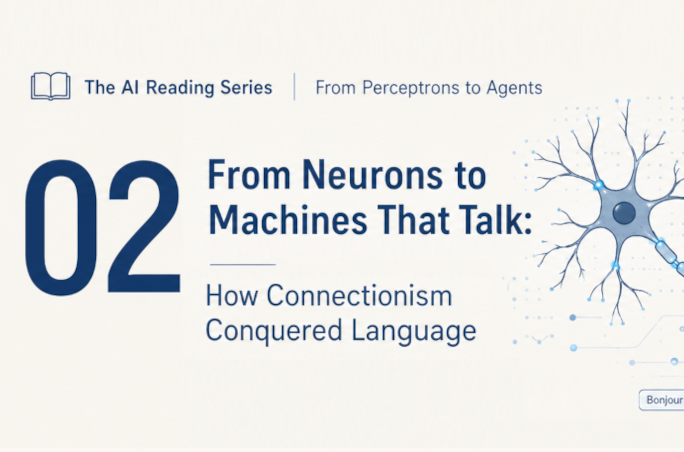
The AI Reading Series · From Perceptrons to Agents · Lecture 2: From Neurons to Machines That Talk: How Connectionism Conquered Language
Part 2 of the AI reading series. The previous post ended with AlexNet's 2012 earthquake in image recognition. This one tells the road to language: how researchers turned words into vectors, taught networks to read sequences, discovered attention — and why, in 2017, eight Google researchers decided attention was all you need.
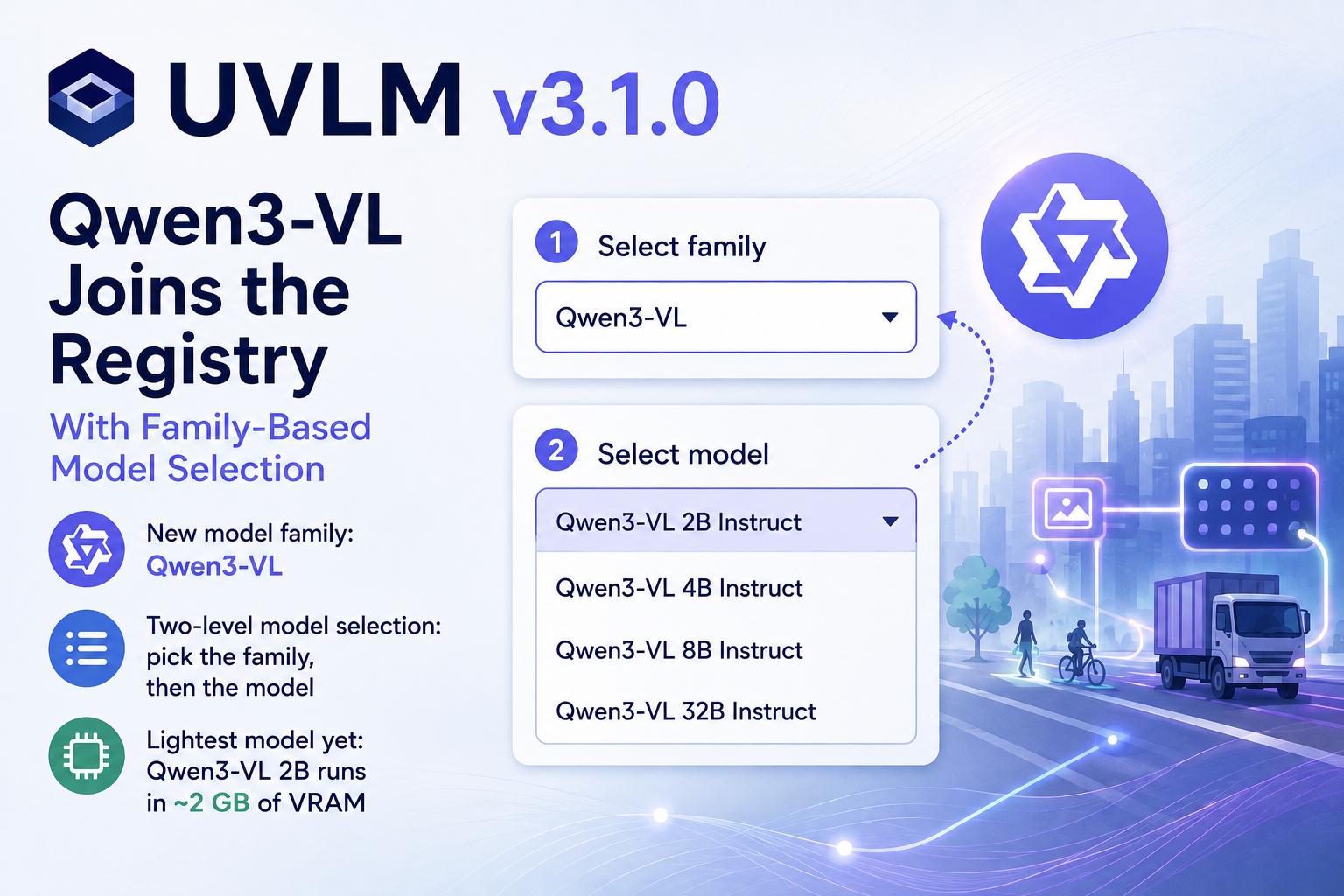
UVLM v3.1.0 — Qwen3-VL Joins the Registry, With Family-Based Model Selection
UVLM v3.1.0 adds a third model family, Qwen3-VL (2B–32B Instruct), bringing the registry to 15 checkpoints. The notebooks gain a two-level family/model selector, the loader picks BF16 automatically on capable GPUs, and the smallest new model runs in about 2 GB of VRAM. Same three-block workflow, same prompts, one more family to compare.
The AI Reading Series · From Perceptrons to Agents · Lecture 1: Where Machine Learning Came From — Reading Cardon’s Neurons Spike Back
The first in a reading series taking you from the artificial neuron of 1943 to today's transformers, mixture-of-experts models and agents. Lecture 1 is a preparatory guide to Cardon, Cointet and Mazières' sociological history of AI, with reading strategy and glossary.
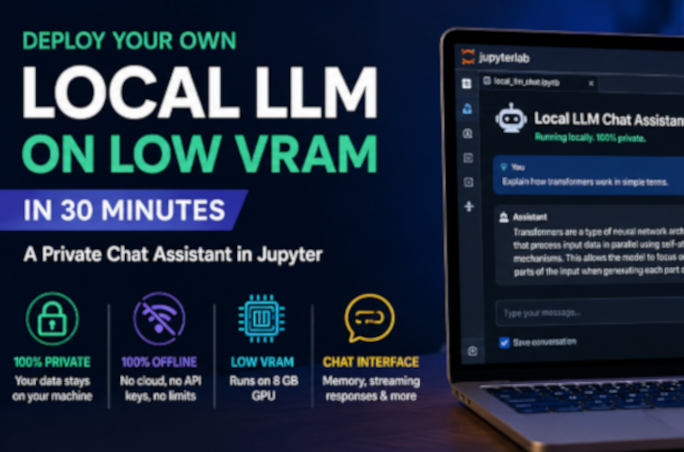
Deploy Your Own Local LLM on Low VRAM in 30 Minutes — A Private Chat Assistant in Jupyter
Run a capable large language model entirely on your own machine — private, offline, and with as little as 8 GB of GPU memory. This hands-on guide sets up a clean Python environment, gets CUDA working even on the newest NVIDIA Blackwell cards, loads a 4-bit quantized model from Hugging Face, and builds an interactive chat widget with conversation memory and a live VRAM gauge in JupyterLab. No cloud, no API keys, no data leaving your computer.
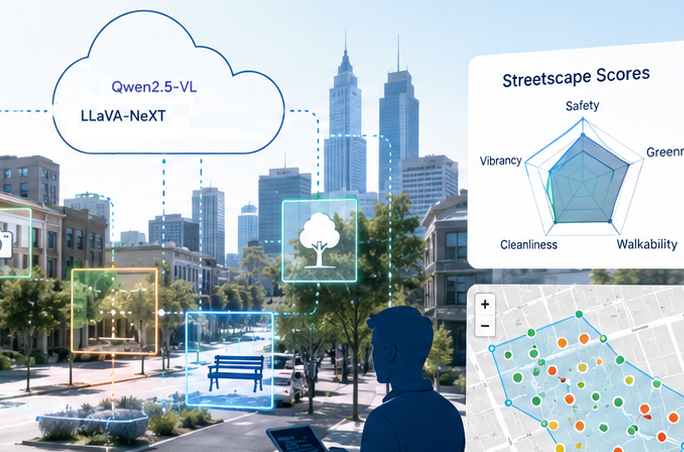
SAGAI v2.0 — A Unified Multi-Model Notebook for Streetscape Analysis
SAGAI v2.0 consolidates the full streetscape analysis pipeline into a single Google Colab notebook and replaces the inline LLaVA-only inference code with the UVLM package, enabling multi-model benchmarking across 11 VLM checkpoints. New features include a multi-task prompt builder, consensus validation with majority voting, chain-of-thought reasoning, truncation detection, interactive Folium maps, view-direction filtering, and support for loading existing polygons as study area boundaries.
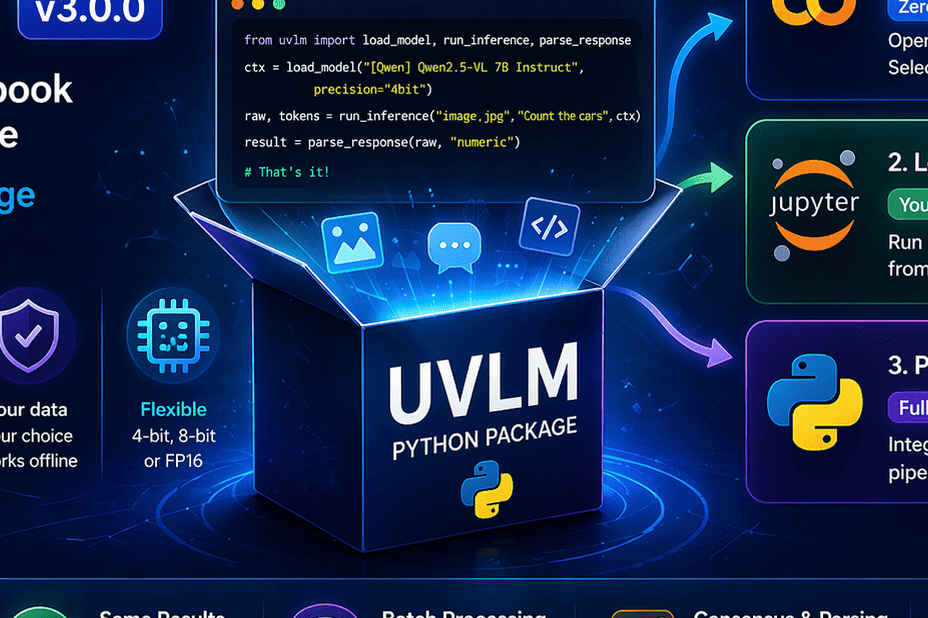
UVLM v3.0.0: From Colab Notebook to Python Package — Run Vision-Language Models Anywhere
UVLM v3.0.0 turns a Colab notebook into a full Python package. Run vision-language models locally, in notebooks, or scripts with a simple API and no setup complexity.
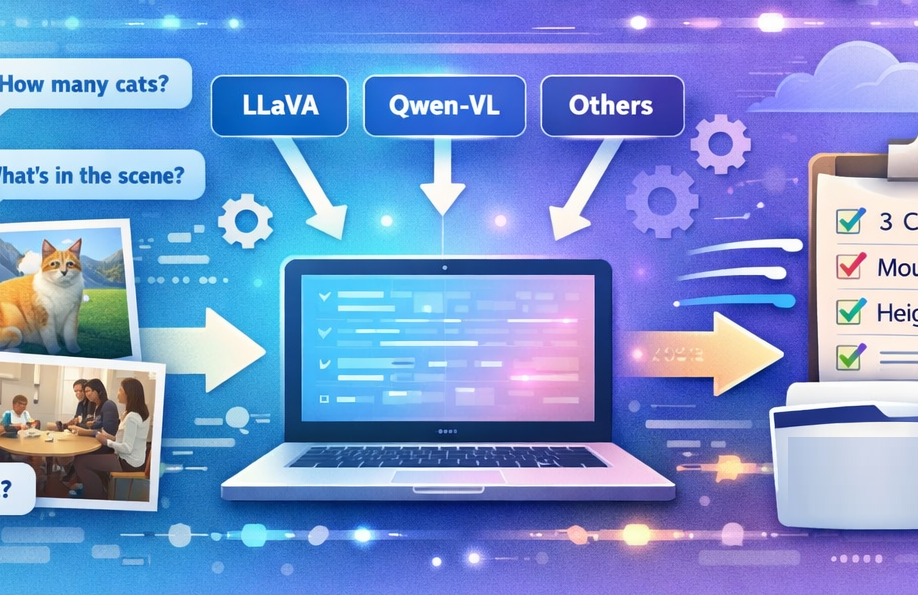
Introducing UVLM: A Free Tool to Compare AI Models That Understand Images
UVLM is a free, open-source tool for loading, testing, and comparing Vision-Language Models on custom image analysis tasks. Running entirely in Google Colab, it lets researchers and practitioners benchmark multiple AI models using the same prompts and images — no coding, no GPU ownership, no model-specific pipelines. This post explains what VLMs are, why comparing them matters, and how to get started in five minutes.
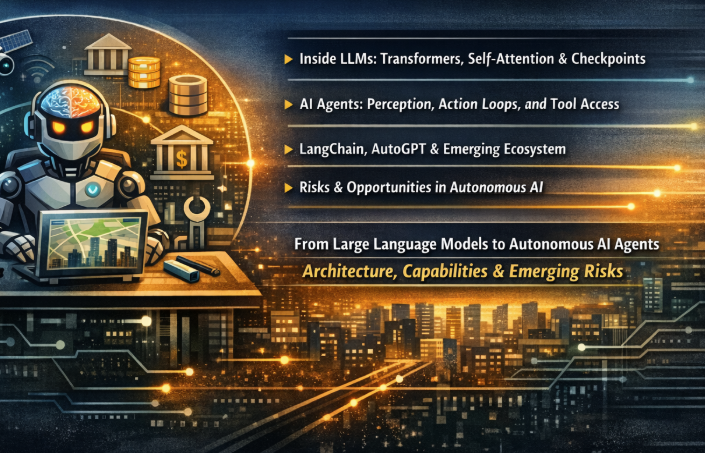
From Large Language Models to Autonomous AI Agents — Architecture, Capabilities, and Emerging Risks
Large Language Models are stateless, single-pass prediction engines — powerful but passive. Wrapping them in a perception–action loop with environment access and tool use transforms them into something qualitatively different: autonomous AI agents. This post walks through the transformer architecture, explains how the agent paradigm introduces closed-loop reasoning over environments and tasks, surveys the growing toolkit ecosystem, and examines the emerging risk landscape.
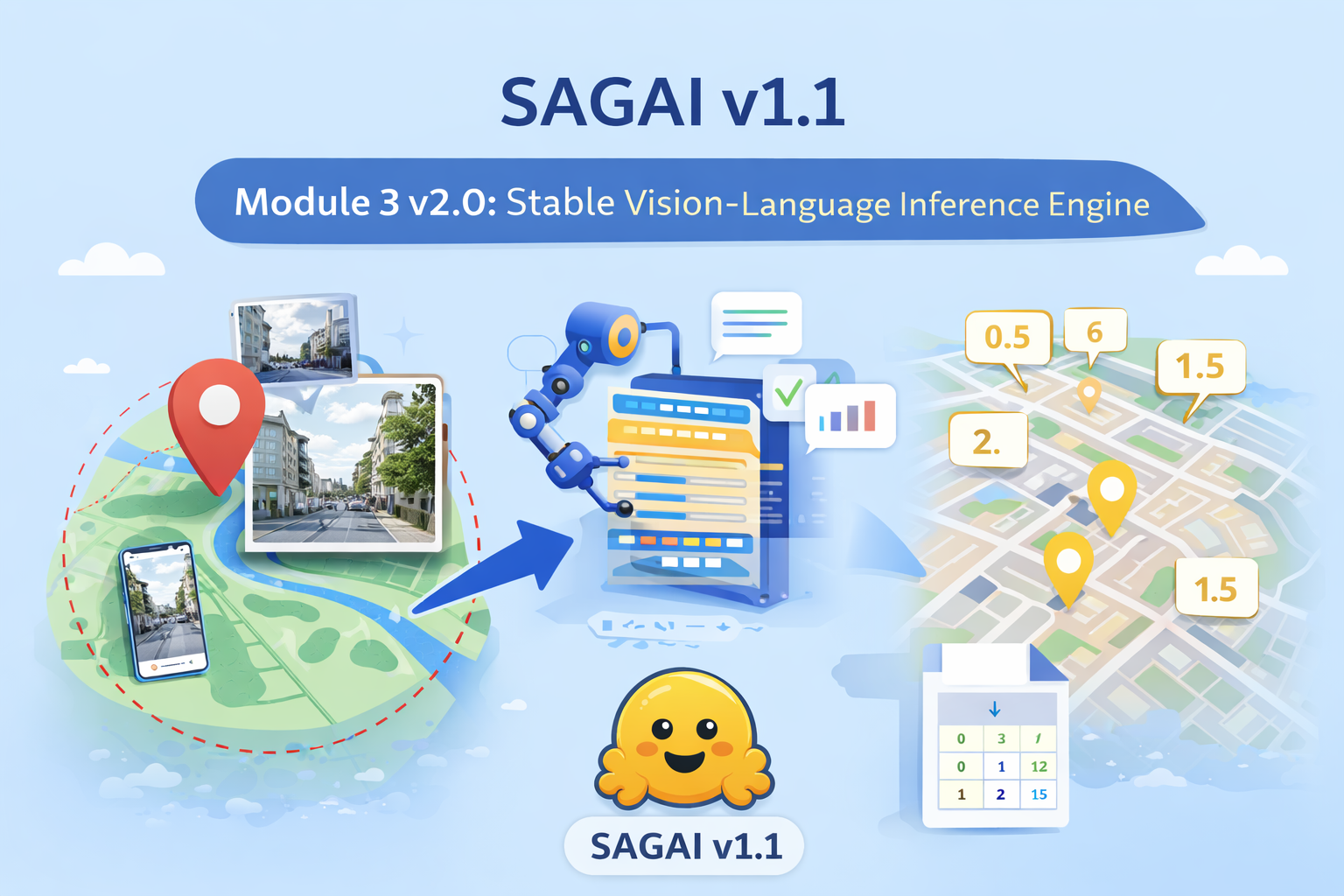
A Stable and Reproducible Vision–Language Inference Engine for SAGAI v1.1
SAGAI v1.1 introduces Module 3 v2.0, a stable and reproducible vision–language inference engine for streetscape analysis. Built exclusively on Hugging Face LLaVA models, it enables robust multimodal processing of street-level images for large-scale urban and geospatial analysis.
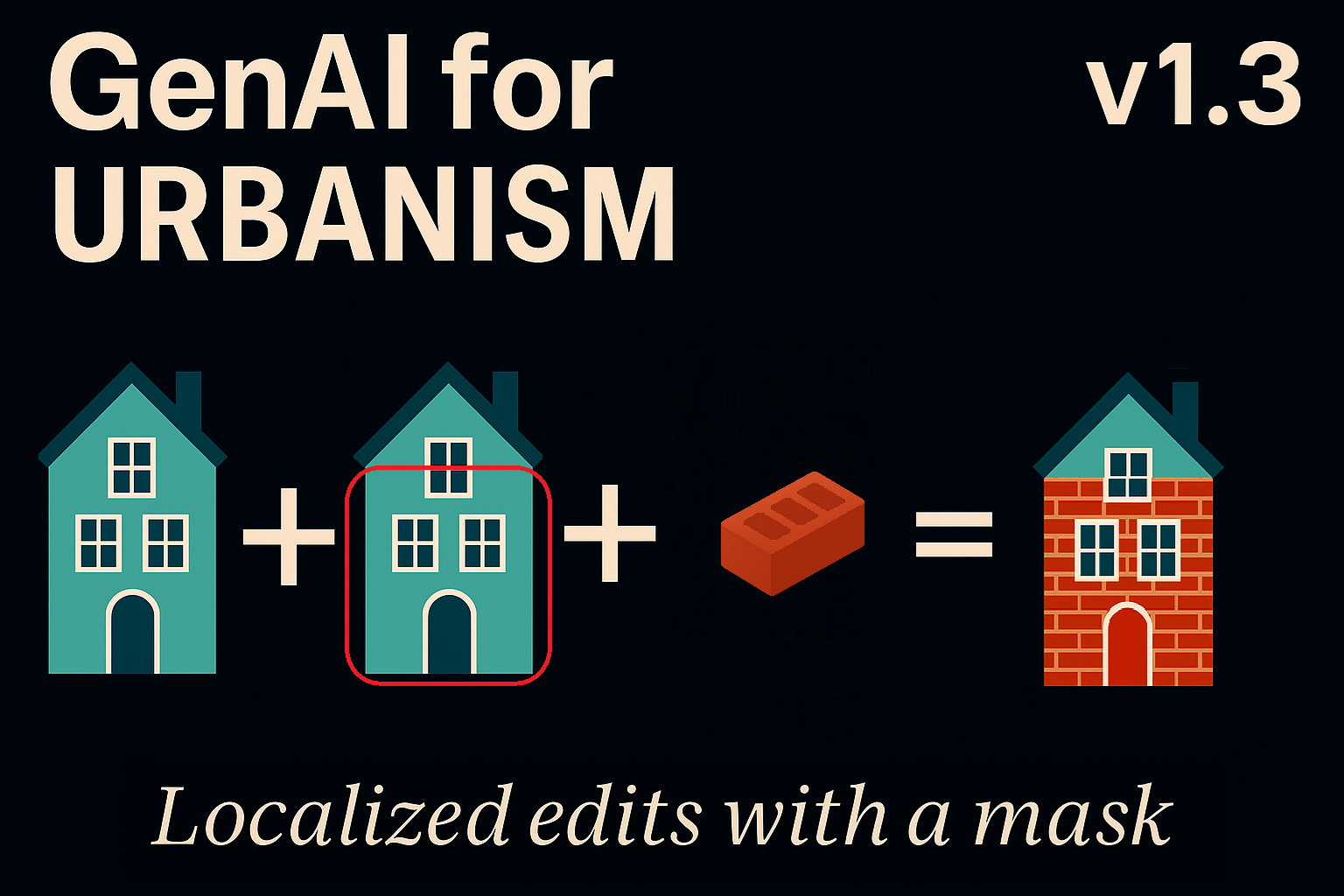
Qwen Image Edit for Urbanism v1.3 — Mask-Controlled Editing With Prompt or Reference Guidance
Version 1.3 of Qwen Image Edit for Urbanism introduces mask-controlled editing in ComfyUI, enabling precise, localized image transformations using prompts or reference images. The new Grow Mask utility softens boundaries, preserves unmasked areas, and integrates seamlessly with existing single-image and sequential workflows.
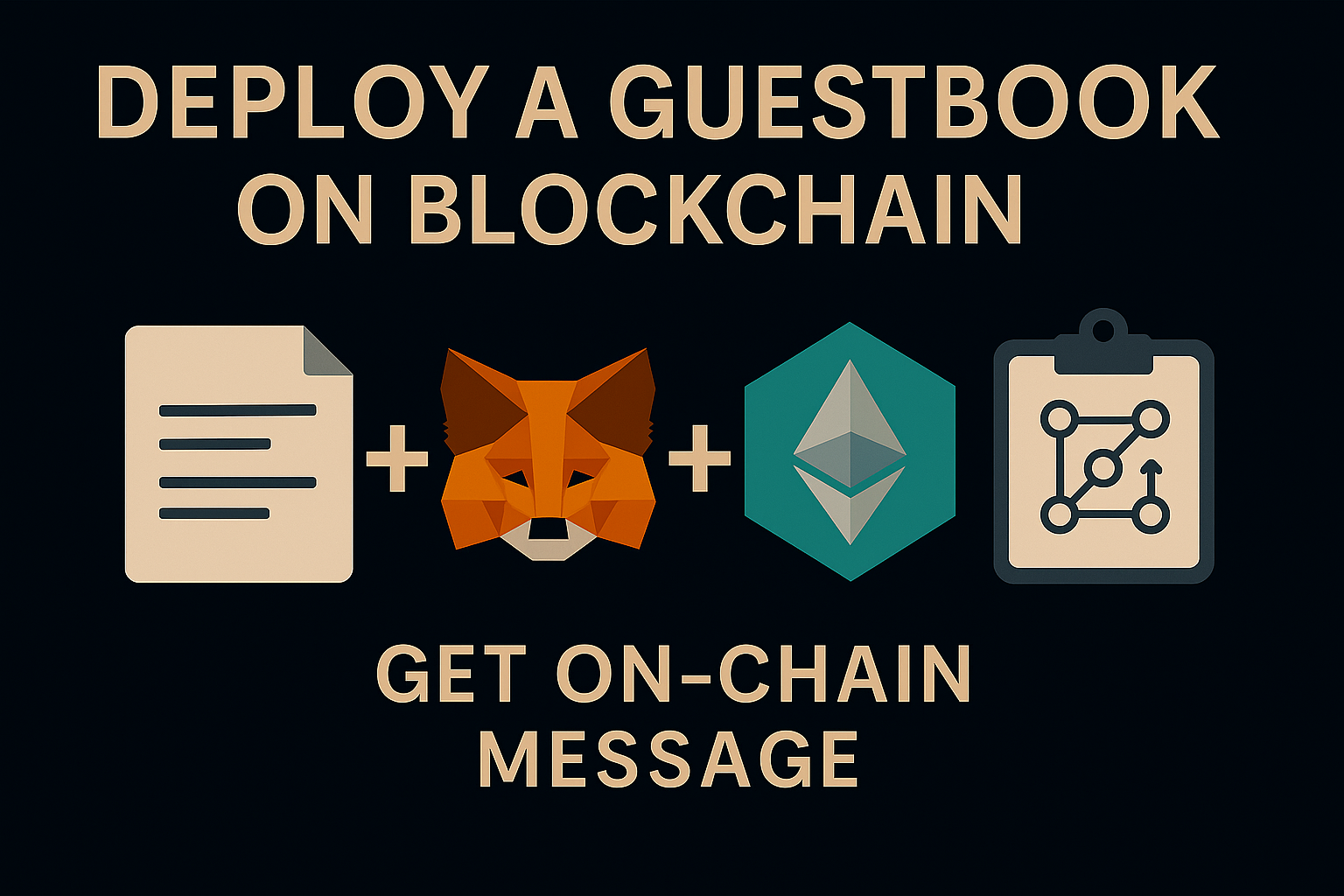
Deploy a Guest Book on an EVM Blockchain Using Remix
Learn how to deploy your first smart contract on an Ethereum-compatible blockchain using Remix and the Sepolia testnet. In this beginner-friendly guide, we build a simple on-chain guestbook, connect MetaMask, verify the contract on Etherscan, and interact with it directly through the blockchain. A perfect starting point for anyone curious about smart contracts, Solidity, and decentralized applications.
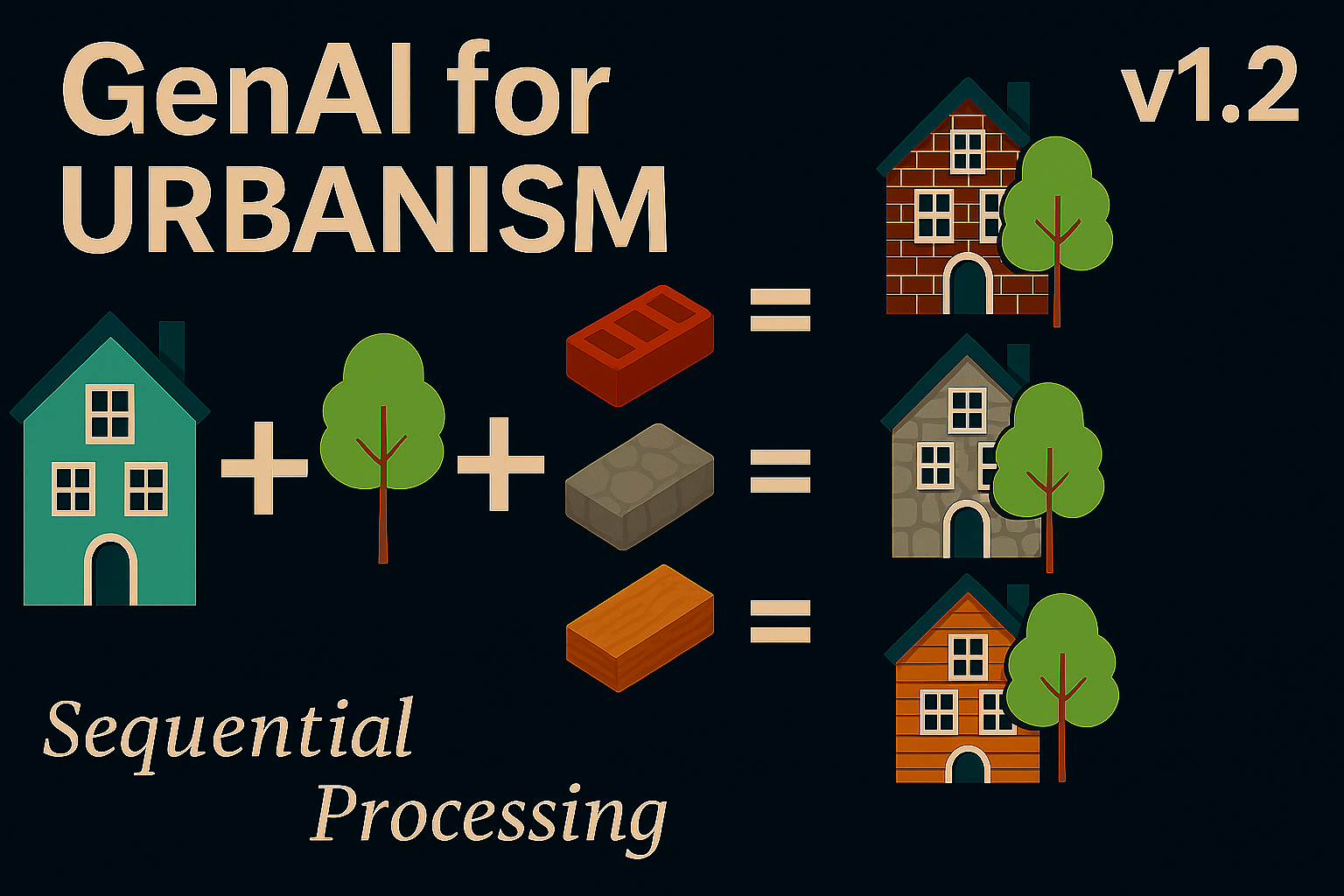
Qwen Image Edit for Urbanism v1.2 — Custom Nodes & Sequential Processing
ComfyUI Sequential Image Editing for Urbanism arrives in Qwen v1.2 with custom Python nodes, multi-image batch processing, and a six-slot buffer for reproducible urban edits. This version streamlines automated workflows for researchers, designers, and architects working with street and neighborhood imagery.
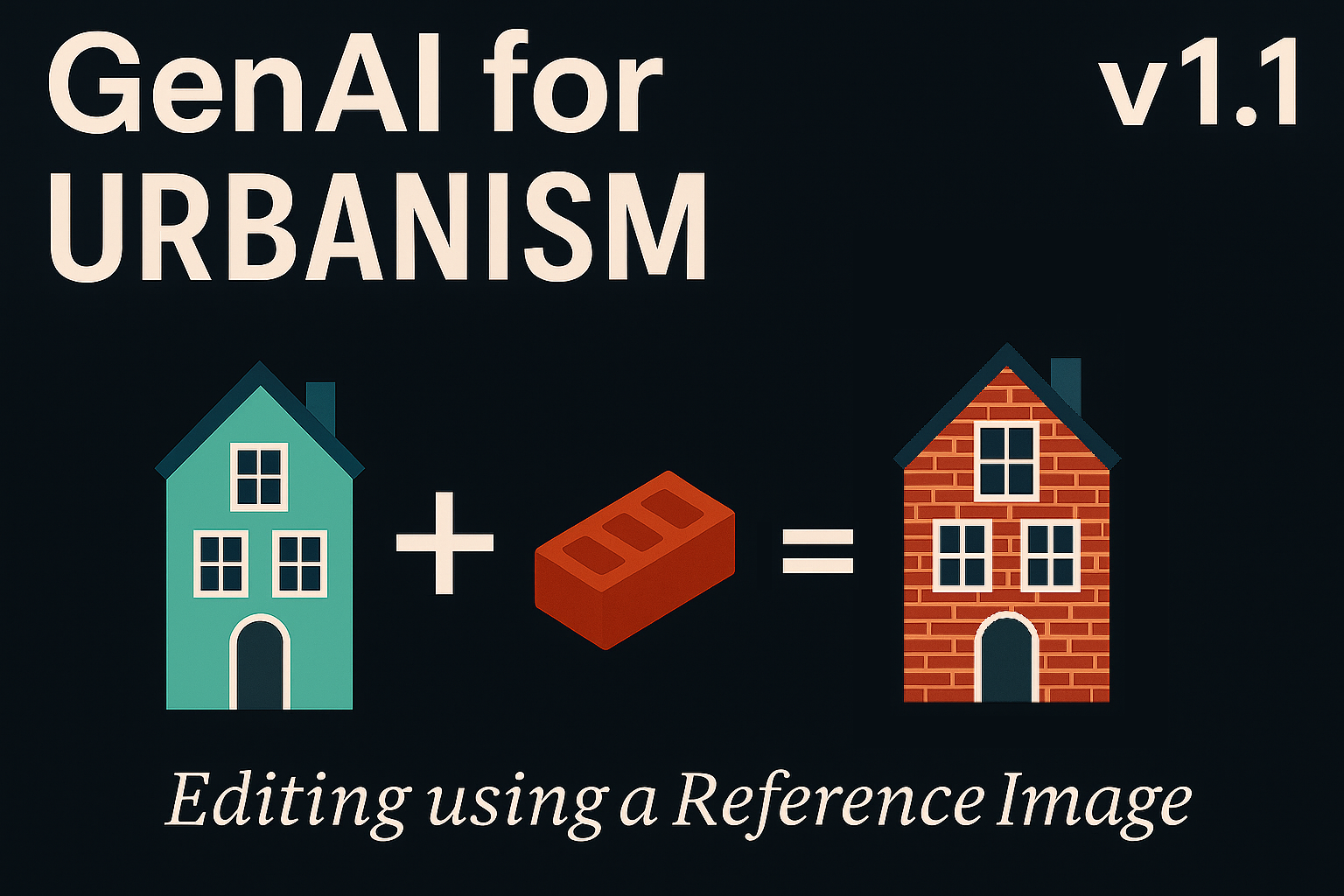
Qwen Image Edit for Urbanism v1.1 — Editing using a Reference Image and Advanced Sampling
Qwen Image Edit for Urbanism v1.1 expands local AI editing in ComfyUI with advanced sampling and dual-image workflows. The new Lightning LoRA system improves realism, texture fidelity, and processing speed, enabling fast, privacy-preserving urban scene transformation—entirely offline.

Qwen Image Edit for Urbanism v1.0 — Building a Qwen Pipeline in ComfyUI
Learn how to build a fully local AI image-editing workflow for urbanism and architectural visualization using ComfyUI and Qwen-Image-Edit. This step-by-step guide runs entirely offline with GGUF models, providing fast, private, and realistic visual edits.
Getting Started with MetaMask and the Polygon Amoy Testnet
Learn how to configure MetaMask for the Polygon Amoy testnet, claim free POL tokens and verify your transactions. Beginner‑friendly guide.
Processing Spatial Data in the Cloud with GeoPandas and Google Colab
Learn how to process geospatial data entirely in the cloud using GeoPandas, Google Colab, and Drive. Create, analyze, and save maps without local setup.
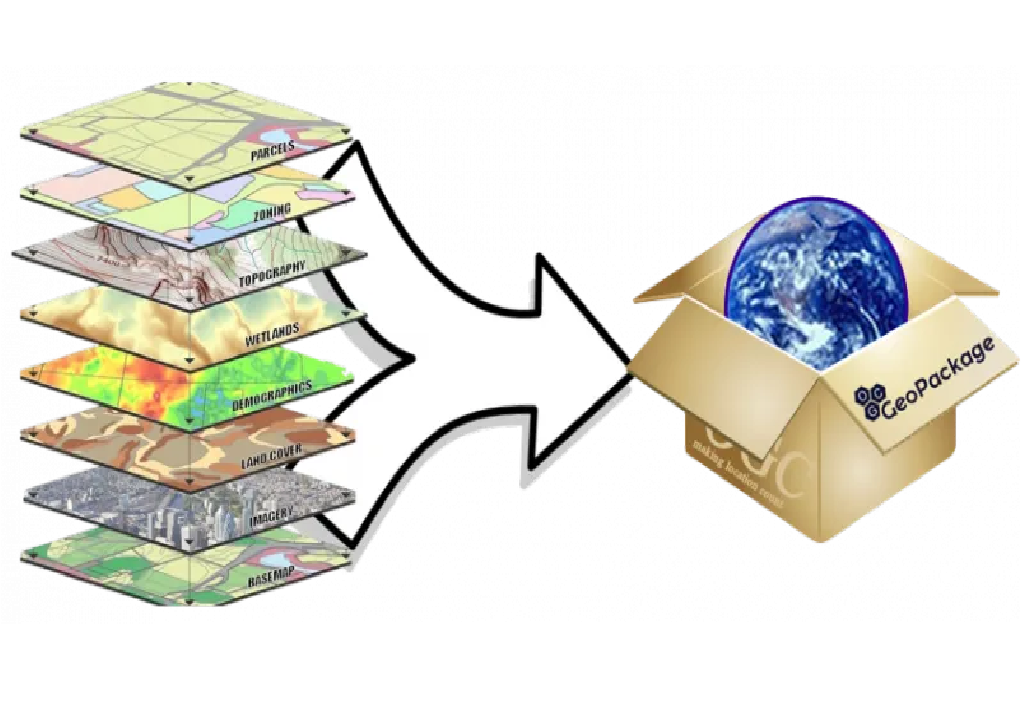
How to import a GeoPackage layer in Python (geopandas) and R (sf)
GeoPackage is an open and non-proprietary data format that allows different layers to be stored within the same file. In this post, we are going to read and save layers using python (geopandas) and R (sf).

Install R and RStudio for Spatial Analysis
R is an open-source statistical programming language used in statistical analysis but also in spatial analysis, artificial intelligence (AI), and machine learning (ML) applications. In this guide, we will walk you through the initial steps of setting up R and RStudio along with installing essential packages and testing them with spatial data.
Controlling QGIS with Python using the Jupyter Notebook
Have you ever wondered about controlling QGIS with a Python script ? In this blog post, we'll explore how to call QGIS from a Python script in the Jupyter Notebook.
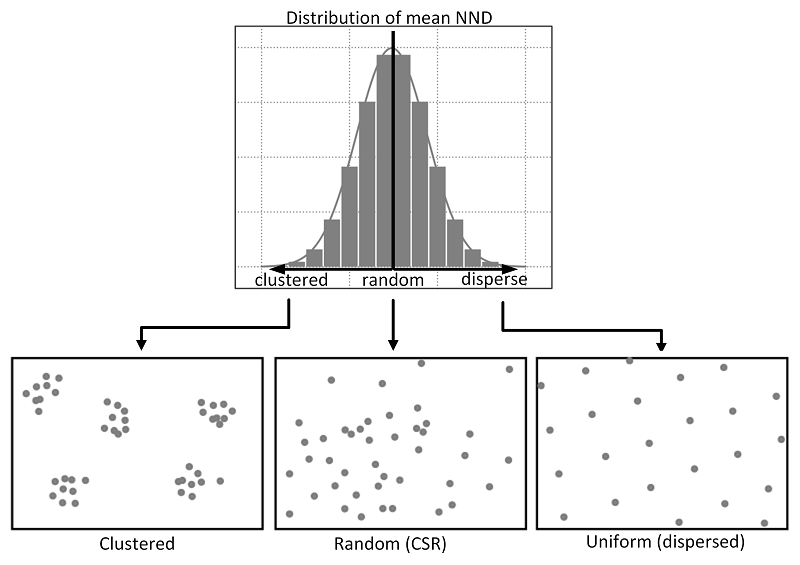
Exploring Spatial Patterns of Point Distributions using NDD and CSR
Calculating Nearest Neighbor Distance (NND) and comparing it with Complete Spatial Randomness (CSR) can be useful in various fields. In this tutorial, we will see together how to calculate a nearest neighbor distance from a given point pattern and compare it to a random distribution (CSR).
Getting Started with Python using Anaconda and Jupyter Notebook
In this guide you'll find clear instructions on setting up Python with Anaconda for spatial analysis. Then, we'll cover installing Python alongside Anaconda and adding essential dependencies like GeoPandas via the Anaconda Prompt. Lastly, we'll explore using the Jupyter Notebook for practical application.